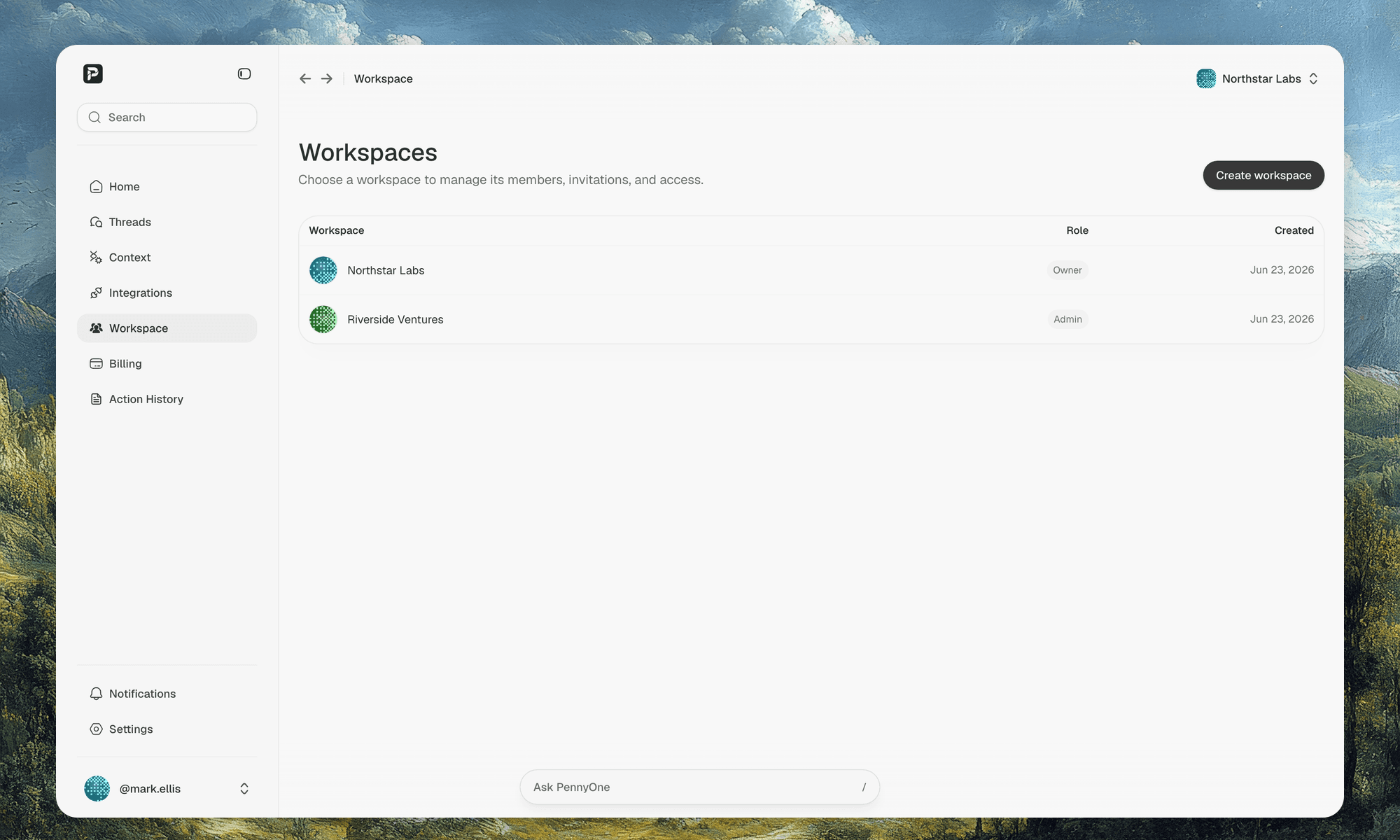
PennyOne catches stalled work
Watches email, calendar, docs, and Drive for work quietly stalling, then prepares the next action for your review.
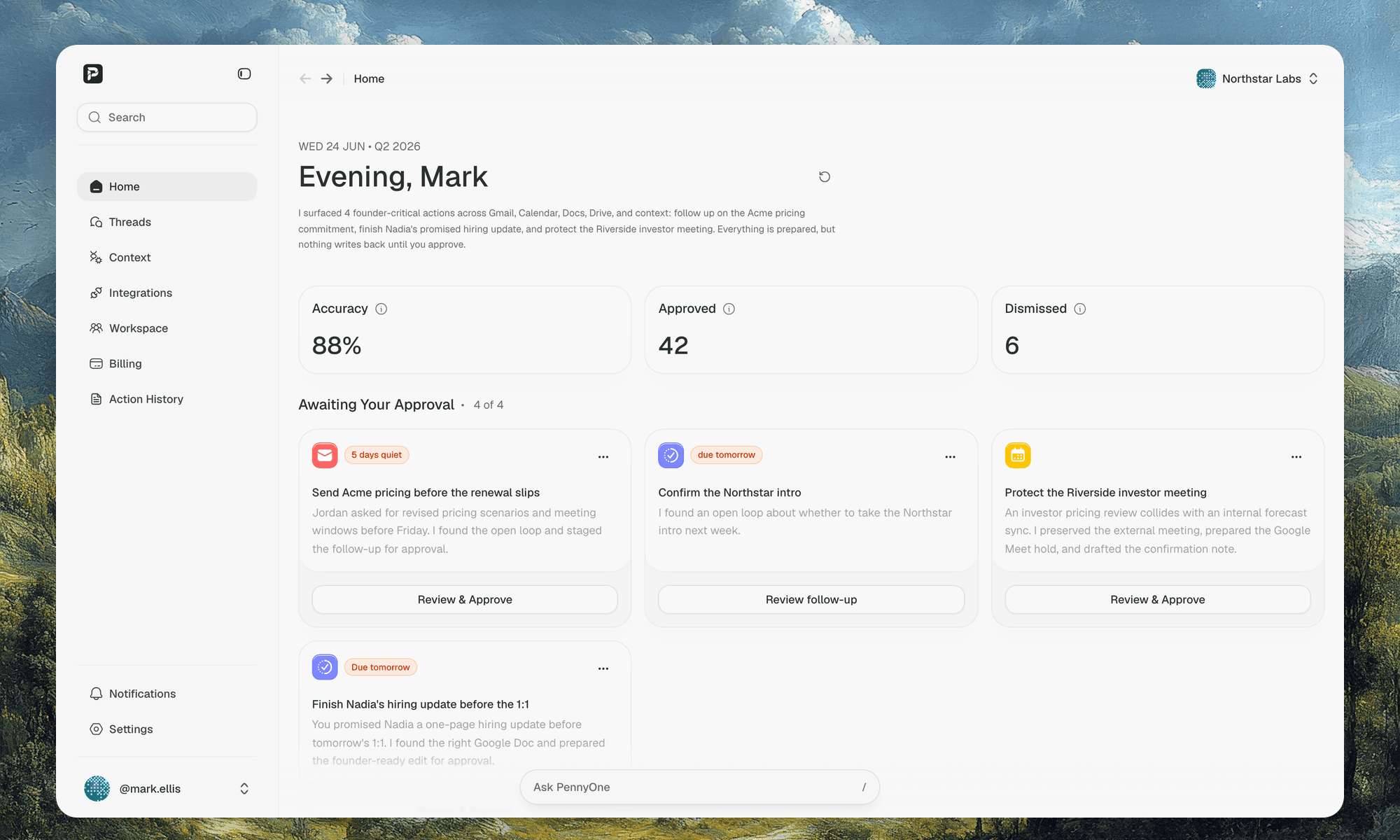
Most tools wait for you to remember what slipped. PennyOne finds the conversations, decisions, and commitments losing momentum, then brings you the next action to review.
What PennyOne preparesBefore important work stalls
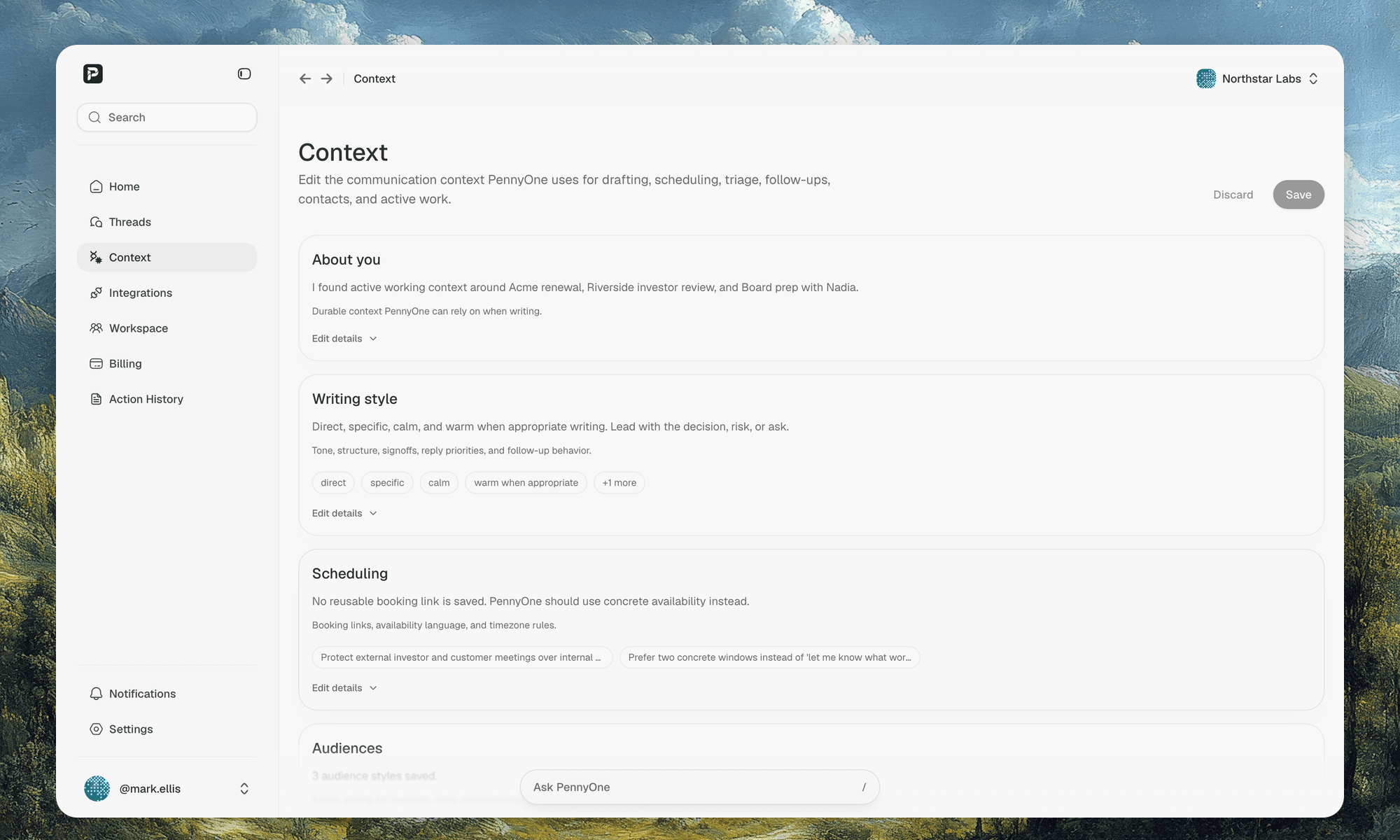
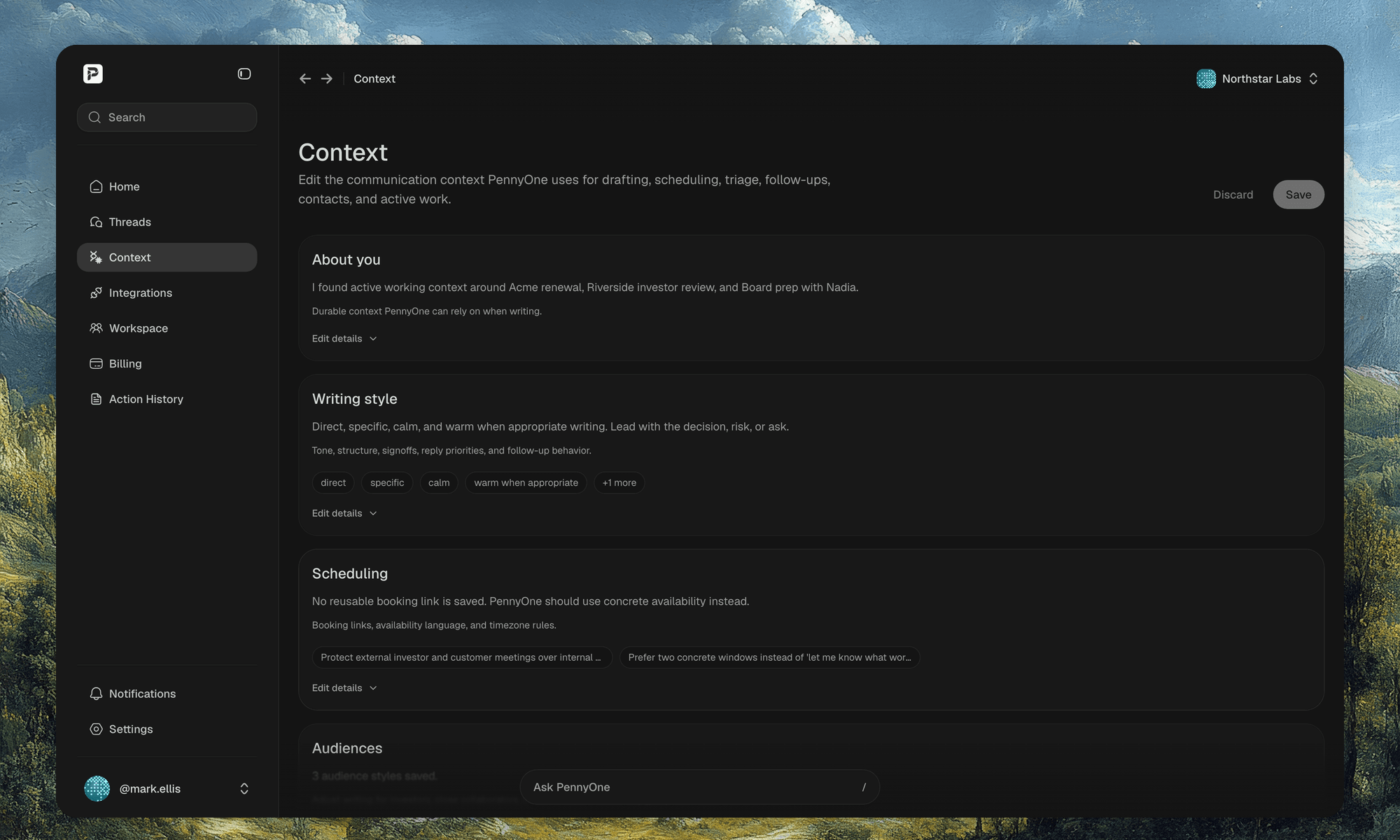
Context that makes the next action obvious
Email, calendar, docs, Drive metadata, history, and preferences stay connected so each suggestion starts informed.
Follow-ups before the trail goes cold
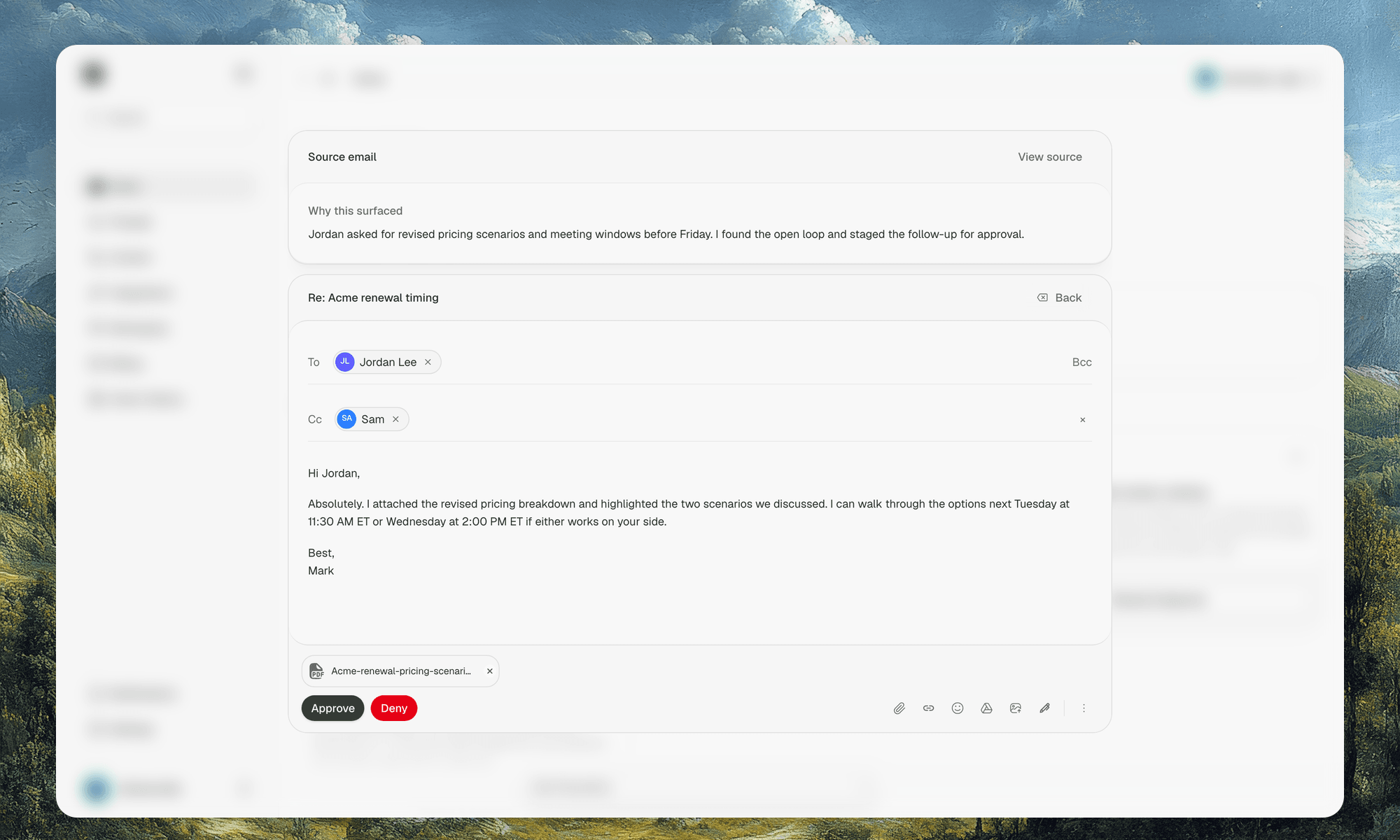
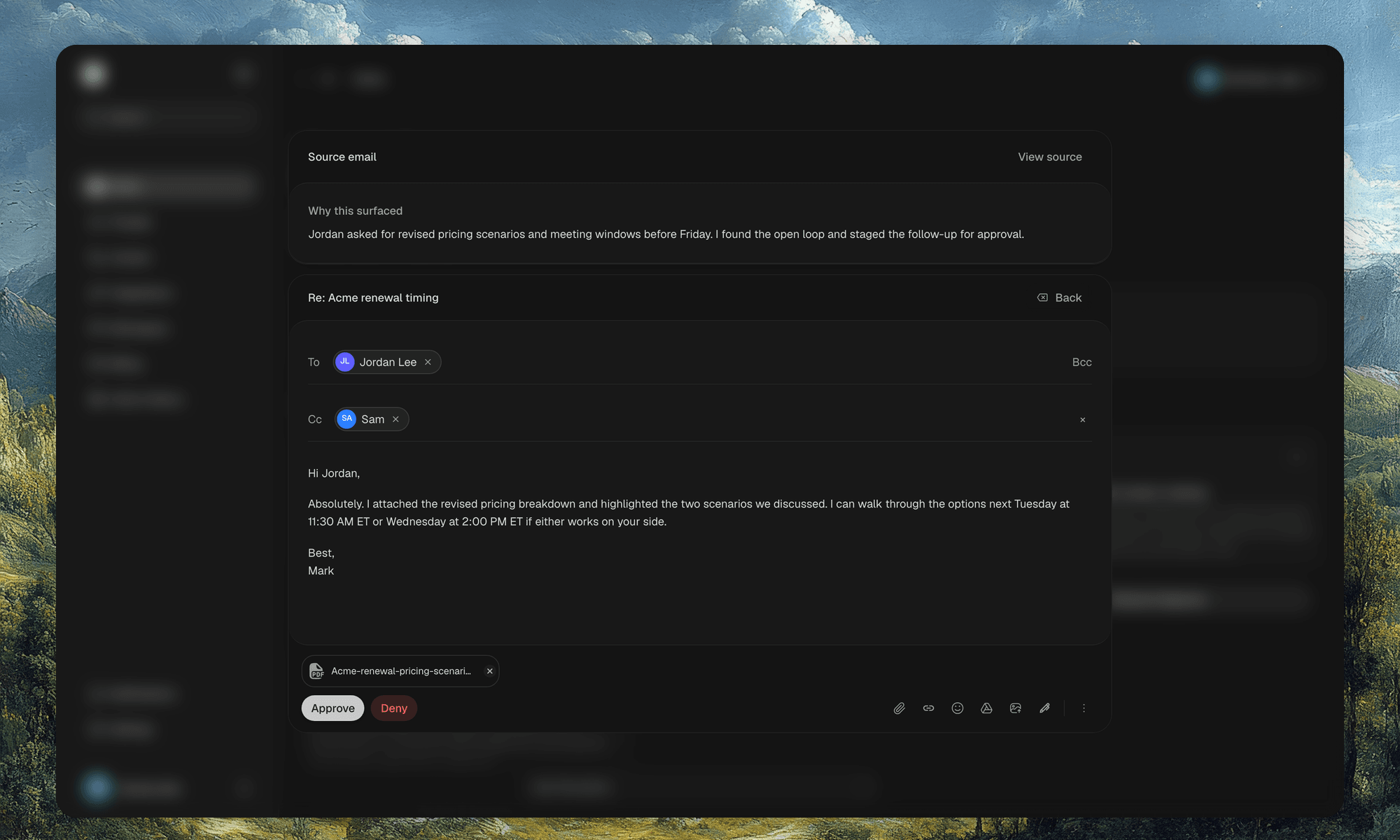
Finds missed replies, unanswered asks, quiet customer threads, and promised next steps, then drafts the response.
Scheduling that protects relationship momentum
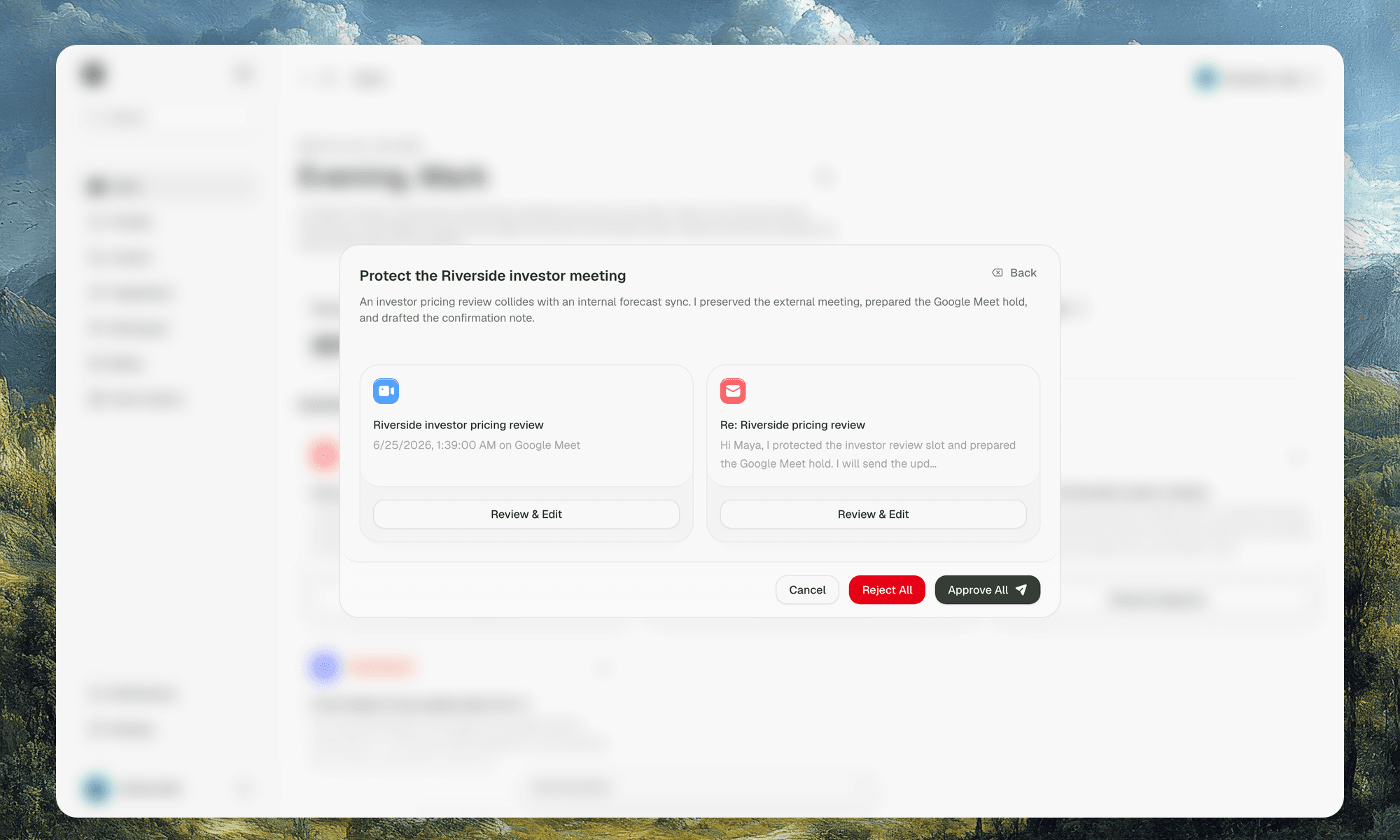
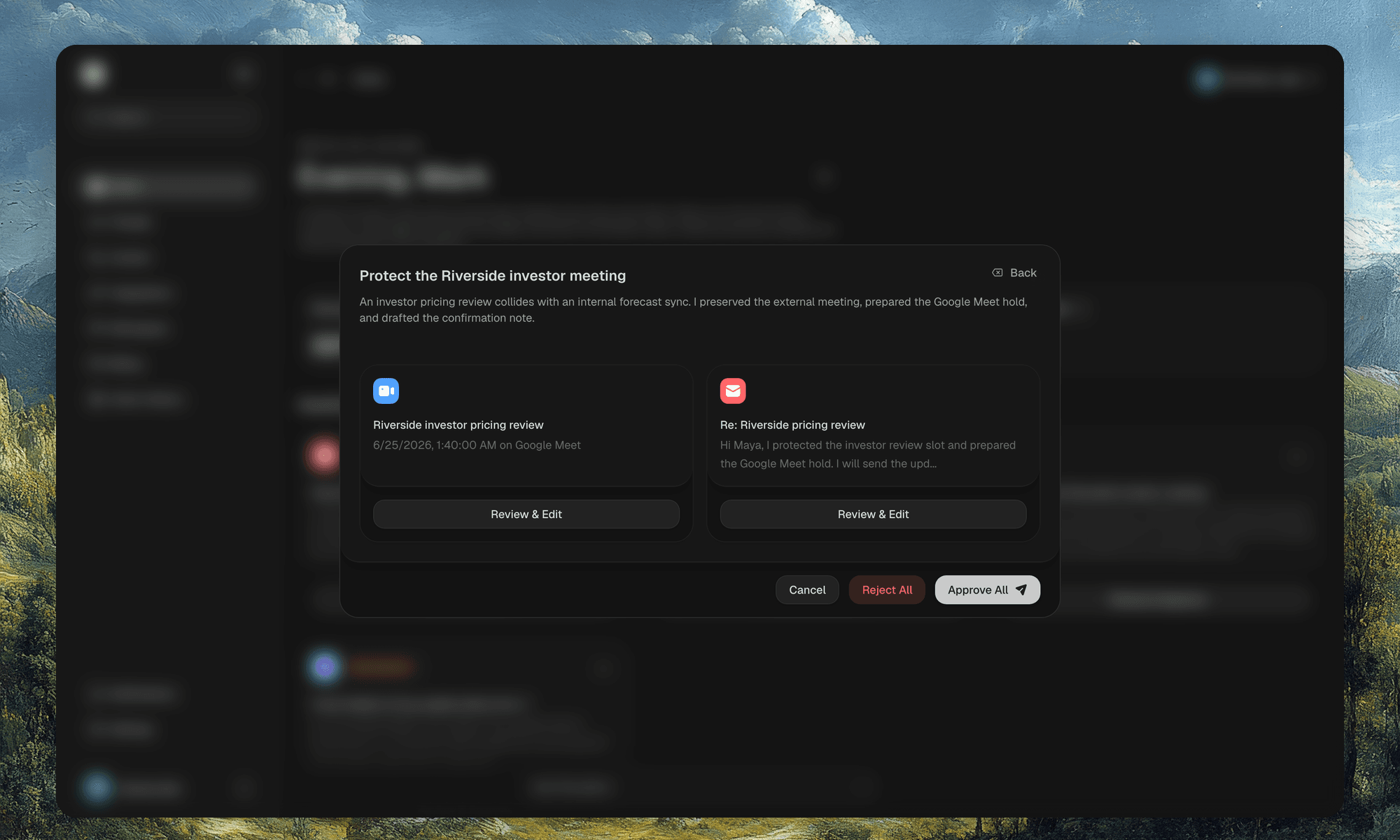
Spots timing issues, conflicts, and meeting requests, then stages the calendar move or reply for approval.
Available inside Codex, Claude, and more
PennyOne's MCP server brings your action items, commitments, relationships, and context directly into any MCP-compatible AI assistant.


Where work quietly stallsSix areas PennyOne monitors so nothing slips
Workspace context that keeps suggestions grounded
Keep company details, members, and workspace settings in one place so PennyOne knows which context matters.